Untitled Ragdoll Game Controls Guide
PC and mobile inputs, quick respawn, abilities, and the upgrade purchase frame.
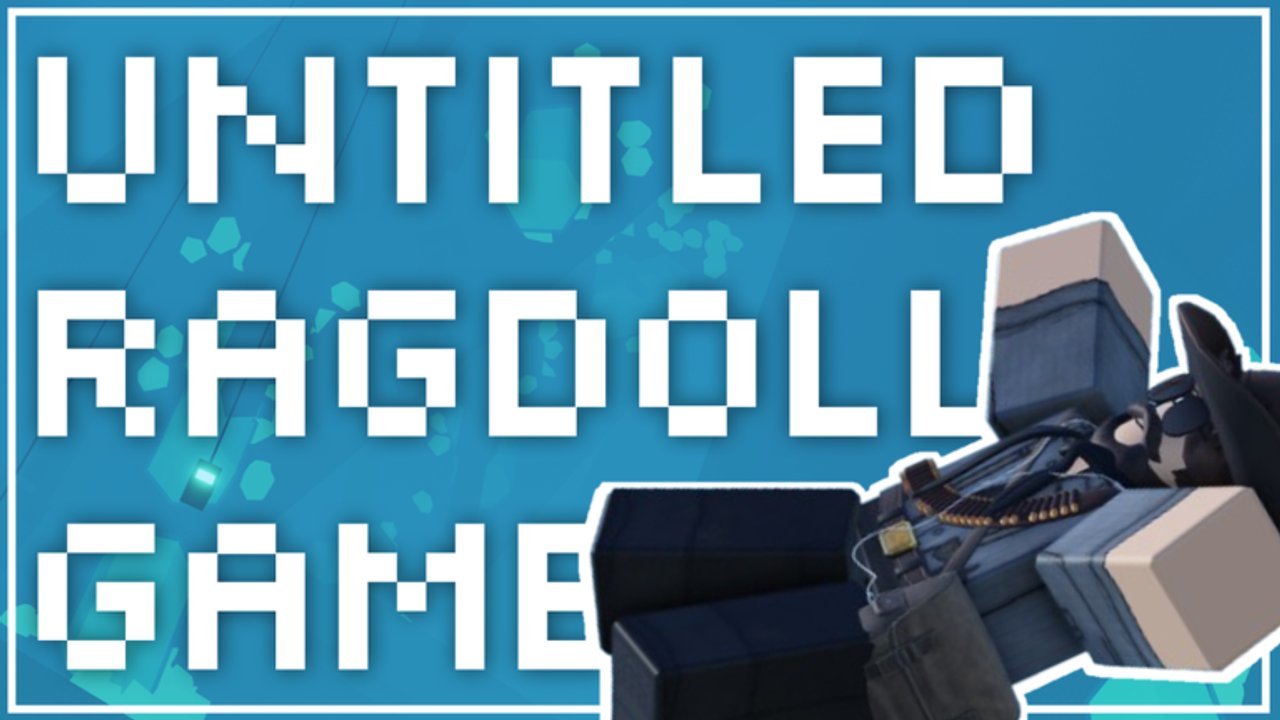
Clean inputs make Untitled Ragdoll Game feel fair. The experience is an ALPHA R6 ragdoll playground: you spawn, throw yourself off peaks and cliffs, collect money from falls and impacts, then buy better spawns and upgrades. If controls fight you, every cliff takes longer than it should. This page covers the habits that matter on PC and mobile, then points you back to Getting Started and Earn Money for the full loop.
The one binding you must memorize
Press R twice to respawn quickly. The official tips call this out for a reason. After a long tumble into a cave, you do not want to climb out on foot. Double-tap R, land back at your spawn, and walk straight to the next ledge. Players who treat respawn as optional cut their money per minute in half without noticing.
If a ragdoll wedges in geometry, if live-injury flair leaves you staring at the ground, or if you simply finished a payout animation, 2x R is the reset. Practice it until it is muscle memory before you worry about advanced routes on Maps and Exploration.
PC movement and camera
On keyboard and mouse, standard Roblox movement applies: WASD to move, Space to jump, mouse to look. Your job is not precision platforming for its own sake — it is lining up a committed leap from a peak or cliff so the ragdoll travels through meaningful height into caves or deep drops.
Tips for PC sessions:
- Walk to the edge, stop, and aim the camera down the intended fall line before you jump.
- Prefer one decisive leap over a chain of tiny hops that barely pay.
- After impact and payout, 2x R immediately instead of sightseeing unless you are exploring for the explorer badge.
- Keep the upgrade UI reachable so you can buy the next spawn without digging through menus mid-flow.
PC players often farm faster simply because camera control makes cliff alignment easier. Use that advantage, then spend the extra cash on the priorities in Upgrades and Spawns.
Mobile layout and abilities
Mobile is fully supported, but the HUD matters. Abilities sit on the right side of the screen. Learn that cluster before your first serious farm so you do not mis-tap while ragdolling or opening shops. Thumb placement should leave the right-side ability buttons reachable without covering the jump control you need at the cliff edge.
Mobile-specific habits:
- Recenter your grip so the right-hand ability stack stays visible.
- Use shorter camera swipes at the edge; over-rotating mid-jump wastes good lines.
- After a fall, hit respawn promptly — on touch devices, hesitation is where minutes disappear.
- When the upgrade frame is open, remember you can click anywhere on the upgrade frame to buy. You do not need a tiny confirm button hunt every time.
If you switch between phone and PC, re-read this section once per device change. The economy is the same; the mis-tap risk is not.
Upgrade frame interaction
Progression shops use an upgrade frame where a click anywhere on the frame purchases. That sounds small, but it removes friction when you are dumping code cash or mid-session earnings into the next spawn tier. Open the frame, tap or click the offering area, confirm you bought what you intended, then close and return to the cliff.
Do not rage-buy every visible upgrade. Use Upgrades and Spawns and the Tier List Hub to decide order. Controls only make buying fast — they do not choose wisely for you.
Ragdoll, injuries, and readability
Falls are meant to look chaotic. Live injuries and floppy R6 motion are part of the presentation inspired by Fun with Ragdolls, Broken Bones IV, and Ragdoll Engine. Watch the payout, then reset. If an animation or injury state confuses whether you have collected money, wait a beat, then 2x R and continue. Standing still staring at limbs is not a strategy.
During tasks or seasonal objectives (including Halloween 2025 content covered under Maps and Exploration), you may need to reach specific landmarks before ragdolling. In those moments, slow down, use normal movement carefully, complete the step, then return to speed farming.
Session flow that respects the controls
- Spawn at the highest location you own.
- Path to the cliff or peak with the best clear drop.
- Align camera, jump, ragdoll through the height.
- Collect money from fall and impact.
- Double-tap R to respawn.
- Optionally open the upgrade frame and click to buy the next priority.
- Repeat, layering multipliers from community joins and friend invites as described in Earn Money.
Servers hold 16 players. Other ragdolls can clutter ledges. If someone is camping your favorite lip, 2x R and take a twin peak rather than waiting. Time is money.
Troubleshooting input issues
- Respawn feels slow: Make sure you are pressing R twice, not holding once.
- Cannot find abilities on mobile: Look to the right side of the HUD and adjust safe-area scaling in Roblox settings if buttons sit under notches.
- Upgrade will not buy: Click or tap anywhere on the upgrade frame, not only a tiny icon; then verify you still have enough cash.
- Jump goes nowhere: You may be too far back from the edge — walk closer, then commit.
- Stuck in a cave: 2x R; do not dig for an exit path during money farms.
Practice drill (five minutes)
Spend five minutes doing nothing but edge jump → payout → 2x R → edge jump. No shopping. When the rhythm is automatic, redeem or re-check Codes, confirm multipliers, and begin real progression. New accounts should still stay long enough for the 10-minute free wheelspin while they practice.
Mastering controls will not replace tall spawns, but it makes every spawn you own print more cash. When inputs feel invisible, move on to route planning and purchase order on the sibling guides linked above.
Frequently Asked Questions
Quick answers to the most common questions.
How do I respawn quickly?
Press R twice. Quick respawn is the intended way to reset after falls so you can farm cliffs without long walks.
Where are abilities on mobile?
Mobile abilities are placed on the right side of the screen. Keep that cluster clear of your jump thumb.
How do I buy upgrades faster?
Open the upgrade UI and click anywhere on the upgrade frame to purchase, then confirm you bought the intended tier.
Should I walk back after every ragdoll?
No. Use 2x R unless you are deliberately exploring caves for badges, quests, or map knowledge.